

This is Radial by AppVerge, a circular launcher for Mac that allows you to execute a bunch of actions right from your cursor.
The idea is great; it puts all actions right at your fingertips to save you from using ten thousand keyboard shortcuts, which in the end are so many that you forget them.
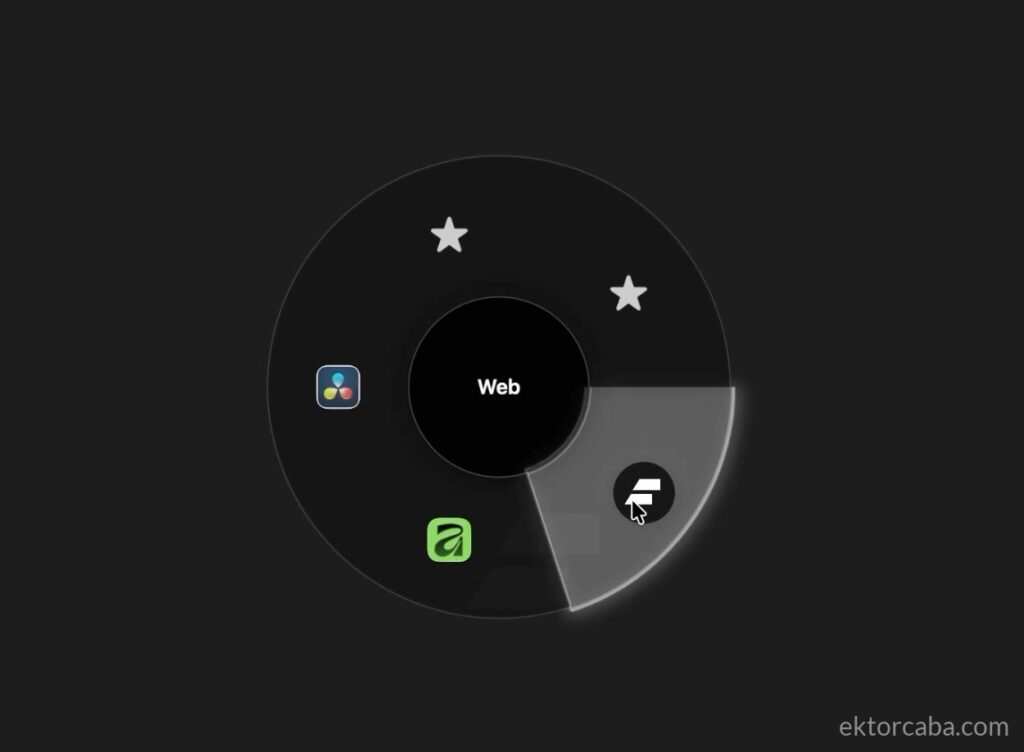
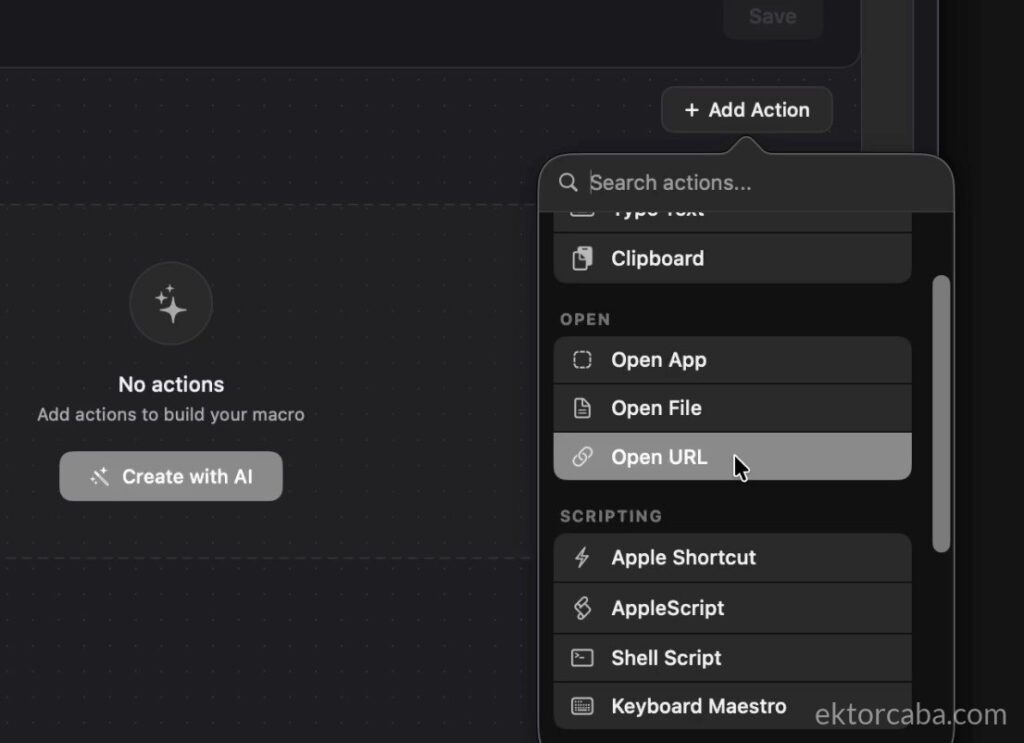
You can set up shortcuts to open applications, run macOS shortcuts, launch Terminal or Apple scripts, define text snippets, open web pages, and a lot of other things.
When you create a shortcut, it allows you to customize the icon and the name of the action.
The launcher can appear next to the mouse pointer or centered on the screen when you press a key, by moving the mouse to the screen corners, or even by shaking the mouse.
Overall, it works well and fast, though I did notice a couple of minor things, nothing serious:
- The first time, it might not respond properly to the shortcut to open the launcher.
- It doesn’t always automatically detect application icons when creating shortcuts.
- The settings interface sometimes freezes, but closing and reopening the window fixes it.
- This isn’t really a problem, but the settings button is right in the center of the launcher and you might click it by accident.
It’s an application that can be quite useful and fits the Mac’s visual aesthetic perfectly.
You can try Radial here: Download