

MKV files and many other formats like “.webm” or “.wmv” do not show up in the Mac preview (QuickLook) when pressing the spacebar. To fix this, do the following:
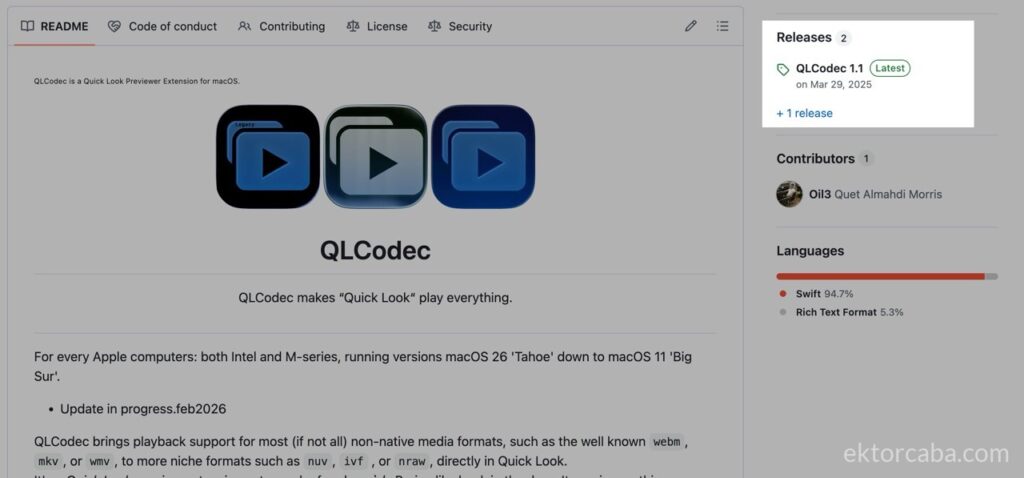
- Download the latest version of the universal Quick Look plugin, “QLCodec“, from the “Releases” section of its official repository on GitHub.
- Extract the zip, drag “QLC.app” to your applications folder (“/Applications“), and open the app.
- Accept the permissions warning.
- And that’s it! It is now installed.
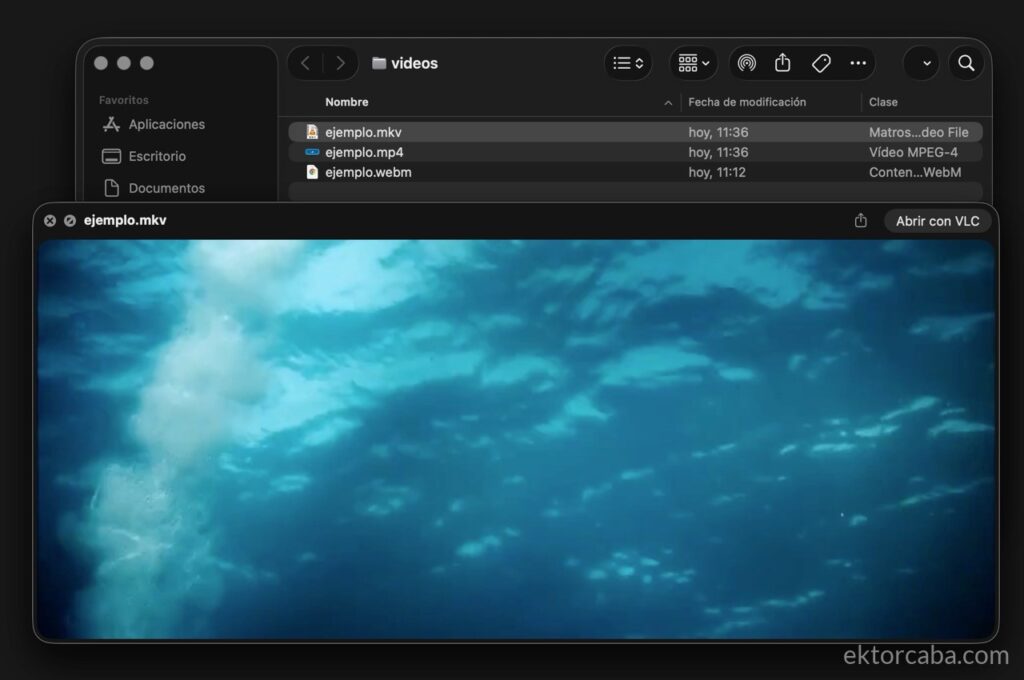
Now find an MKV video on your hard drive, select it, and press the spacebar to open the preview.
To uninstall it, simply drag the application to the trash.
If you’d like, you can do it along with me in this video.