
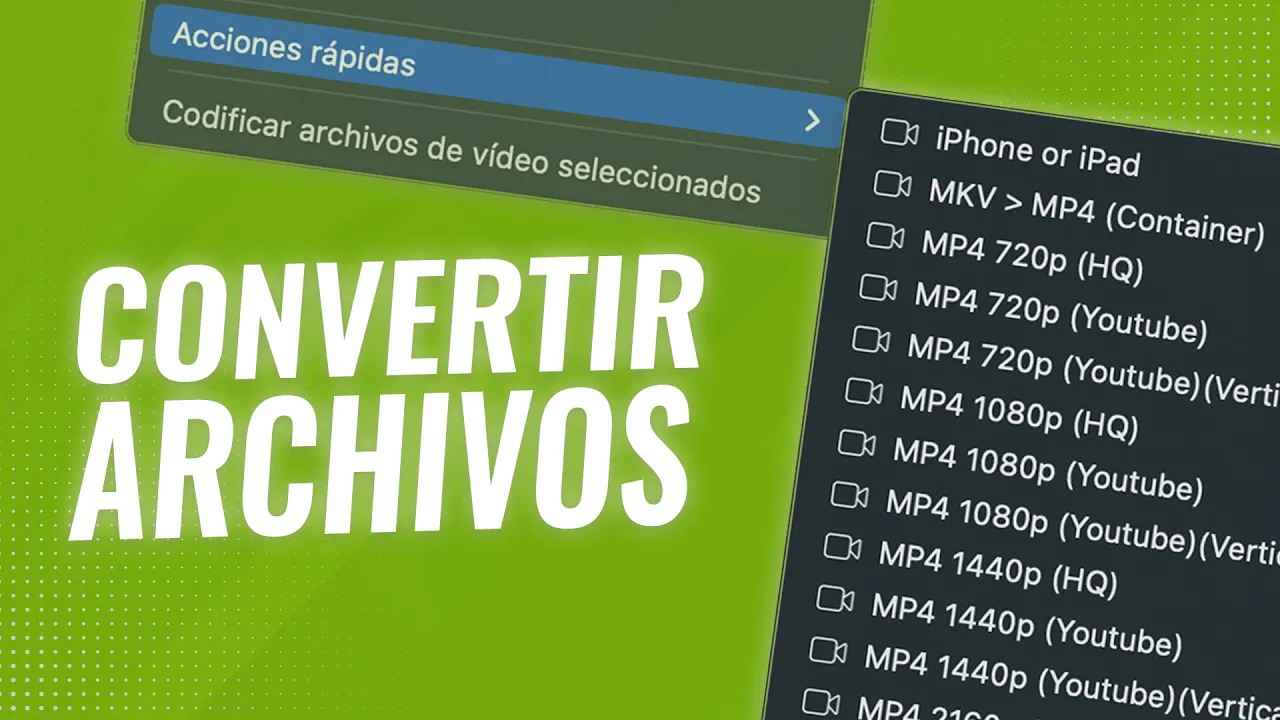
Until a few days ago I used a script to convert files with FFmpeg on a Mac without having to mess around with the terminal, even so I thought about giving it a spin and making something a bit more complete and convenient to convert my files.
So I created these ready-to-install quick actions that allow you to convert files from the context menu when right-clicking on your video files. The best part is that they use FFmpeg and that you can easily create your own by duplicating an action and modifying the arguments that the action passes to FFmpeg.
Official FFmpeg page:
https://ffmpeg.org/download.html
Link to the Github repository with the quick actions for Mac:
https://github.com/ektorcaba/ffmpeg-acciones-rapidas-mac
Path where quick actions are installed on macOS:
~/Library/Servicesn(/Users/YOUR-USER/Library/Services)Path to change FFmpeg location:
~/Library/Preferences/ffmpegActions.plistn(/Users/YOUR-USER/Library/Preferences/ffmpegActions.plist )