
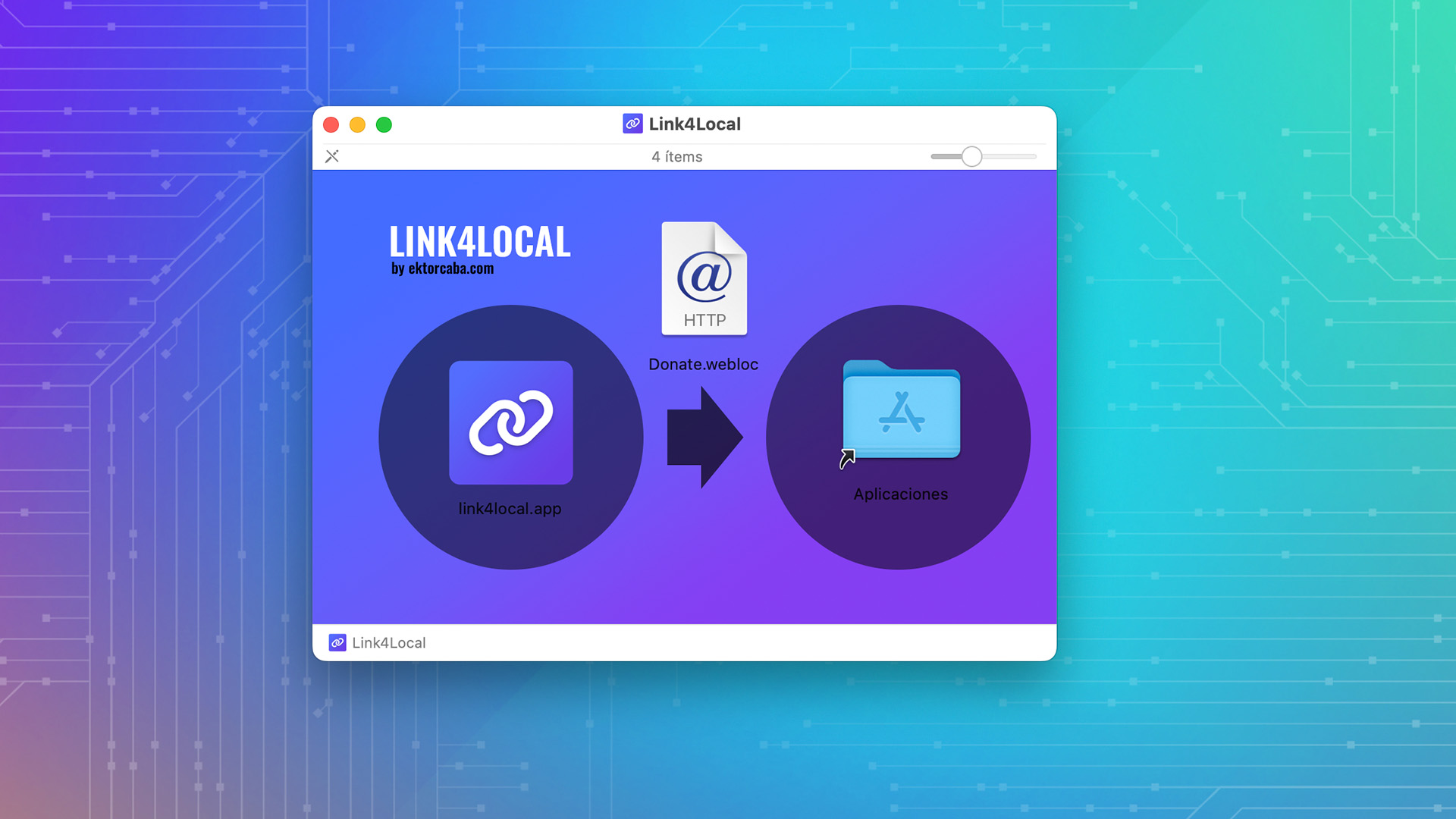
I’ve been needing for a while to somehow put files I have on my hard drive into my Notion. The problem is that I’m not going to upload every single file, especially since we’re talking about many gigabytes or entire folders, so I looked for an application-based solution and found one, though at a price that seemed quite high for the task at hand.

Well, the thing is that I eventually started thinking and ended up where I almost always do, making my own version of what I need. So here I bring it to you: it’s an application for macOS (Apple Silicon and Intel) / Windows that, thanks to a quick action (system registry in the case of Windows), allows you to link files from your hard drive to online services, such as a Notion database, which is primarily why I needed it.
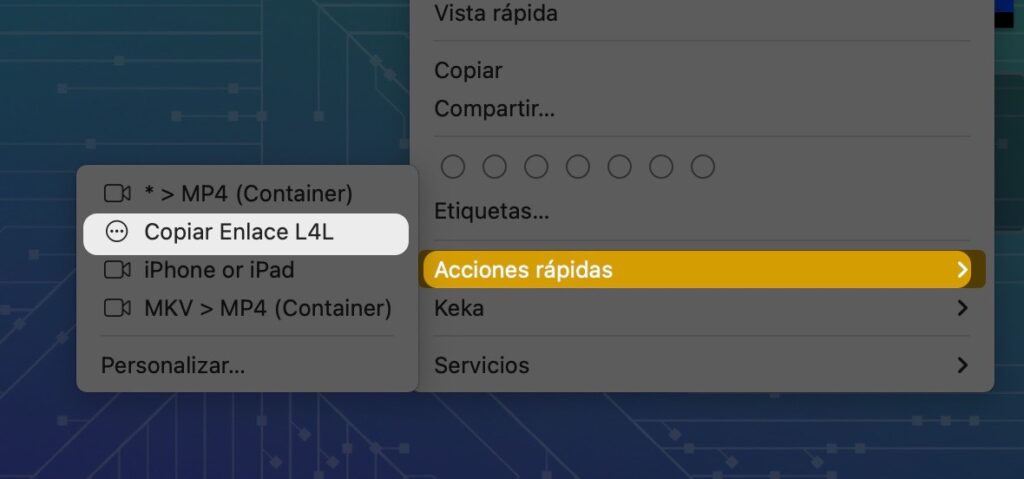
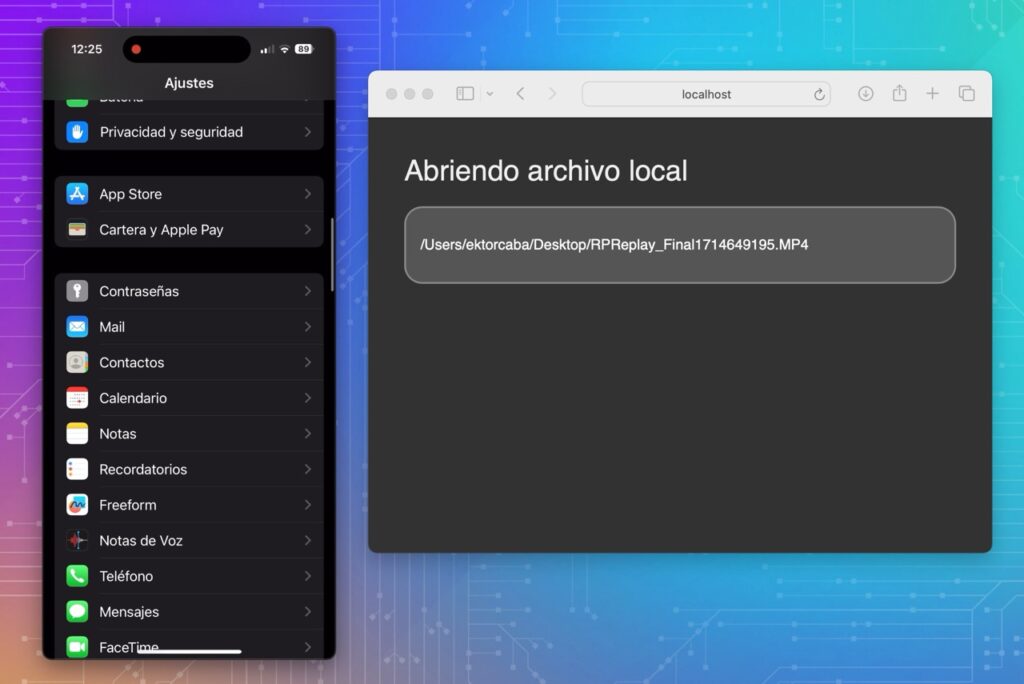
In the video, I explain all about how it works, and here is the download link. Don’t forget to watch the video, as I explain a few things to keep in mind there.
If you get an error when opening on macOS
For some strange reason, the first time you open the App, it might tell you that it cannot be opened and ask if you want to move it to the trash. Tell it no, open a terminal (you can find it in /Applications/Utilities), paste each of the following lines, and press “Enter” after each one to fix the issue.
sudo xattr -r /Applications/link4local.app
xattr -cr  /Applications/link4local.app
codesign --sign - --force --deep /Applications/link4local.appIt might ask you for your Mac password when running the commands.