Skip to content
  • Submit Mac app
  • About
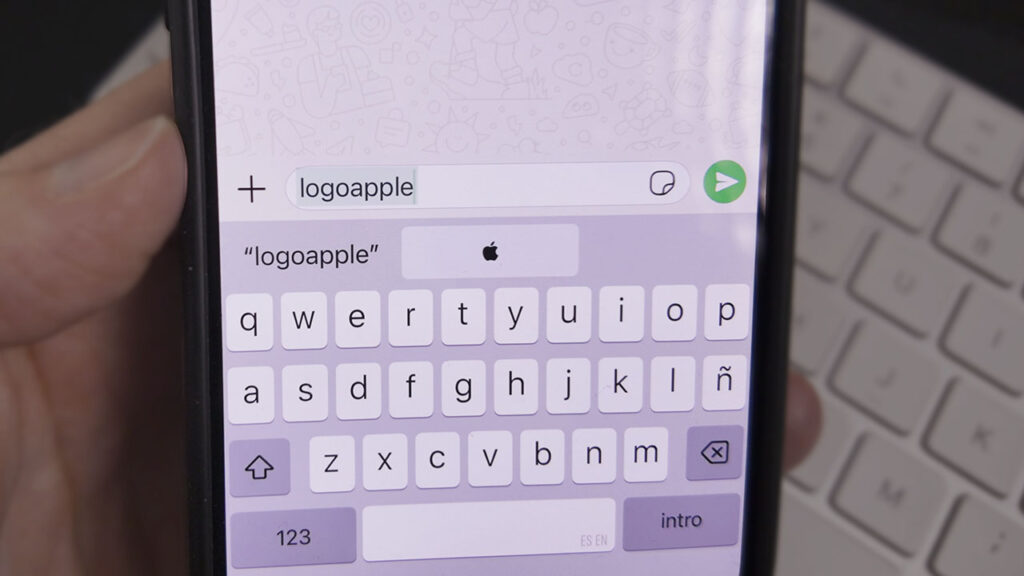
  • How to type the Apple logo  with the bitten apple on your iPhone or iPad
    Tutorials

    How to type the Apple logo  with the bitten apple on your iPhone or iPad

    ektorcaba

    –

    1 year ago

    Create a custom shortcut on your iPhone or iPad using the text replacement feature…

    # iphone
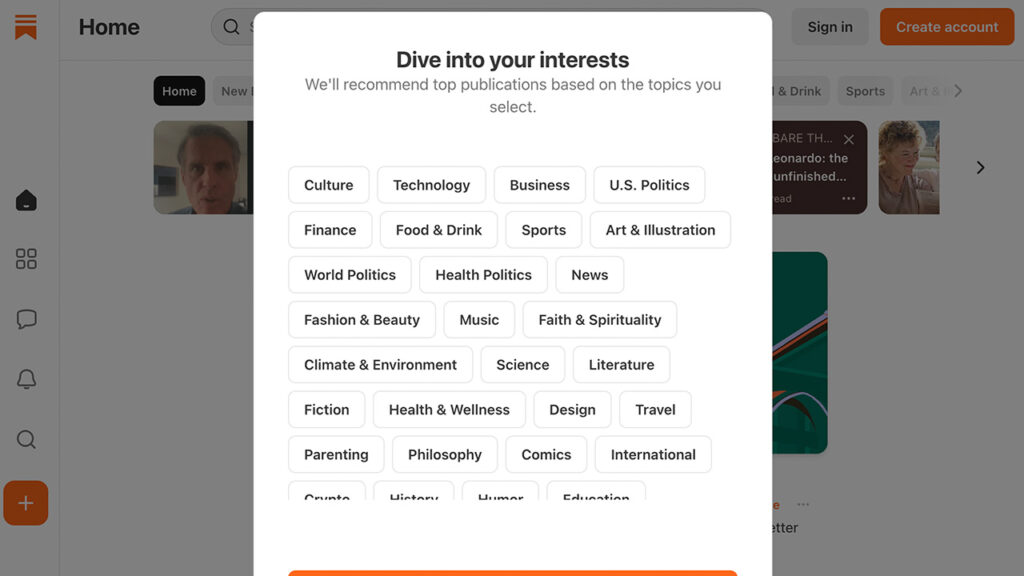
  • How to create a newsletter on Substack step by step (in 5 minutes)
    Tutorials

    How to create a newsletter on Substack step by step (in 5 minutes)

    ektorcaba

    –

    1 year ago

    Launch your own digital newsletter with Substack by setting up the dashboard, customizing your…

    # newsletter
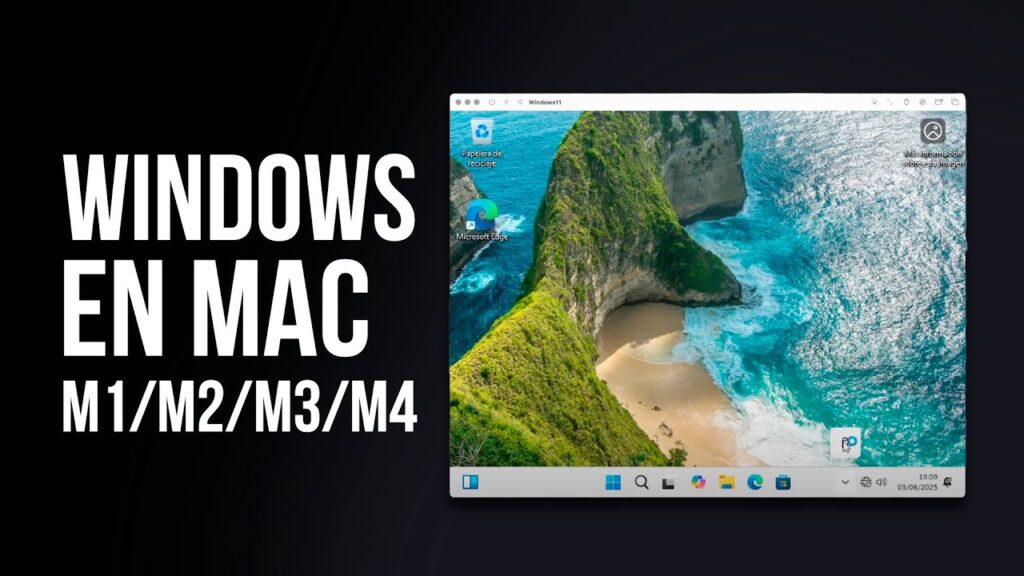
  • Can I install Windows 11 on a Mac with M1, M2, M3, or M4? Real options
    Tutorials

    Can I install Windows 11 on a Mac with M1, M2, M3, or M4? Real options

    ektorcaba

    –

    1 year ago

    Install Windows 11 on your Mac with Apple Silicon (M1, M2, M3, or M4)…

    # virtualization
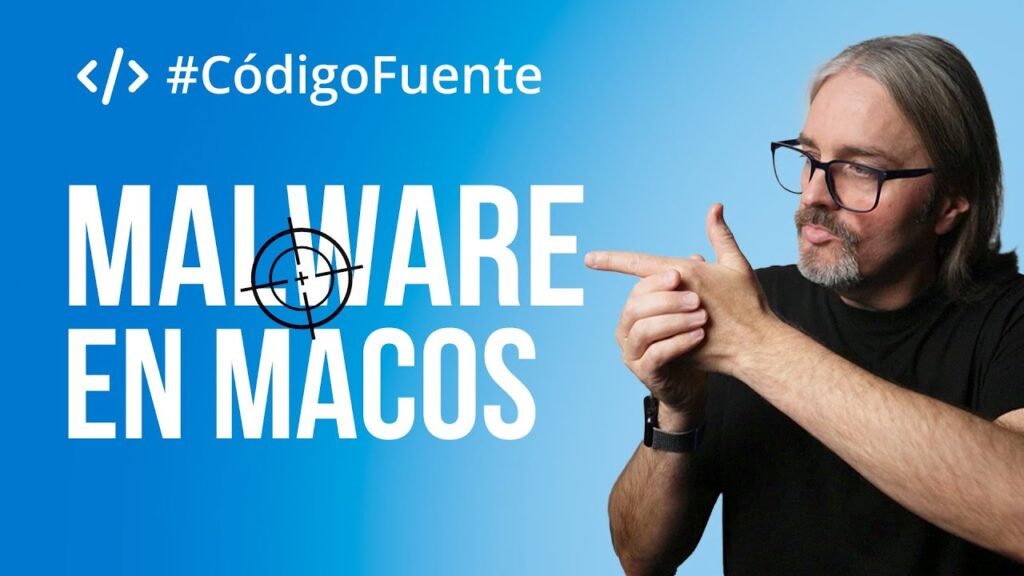
  • How to Remove Malware and Viruses on Mac Step by Step
    Tutorials

    How to Remove Malware and Viruses on Mac Step by Step

    ektorcaba

    –

    1 year ago

    Demystify macOS immunity to malware and discover how to protect your computer by combining…

    # security
  • Everything I wish I had known before switching to Mac
    Magazine

    Everything I wish I had known before switching to Mac

    ektorcaba

    –

    1 year ago

    Discover the myths and realities about the transition to macOS, analyzing the evolution of…

    # macos, Windows
  • What is the easiest-to-use video editor?
    Magazine

    What is the easiest-to-use video editor?

    ektorcaba

    –

    1 year ago

    Discover which video editor is ideal for your projects based on your skill level,…

    # video
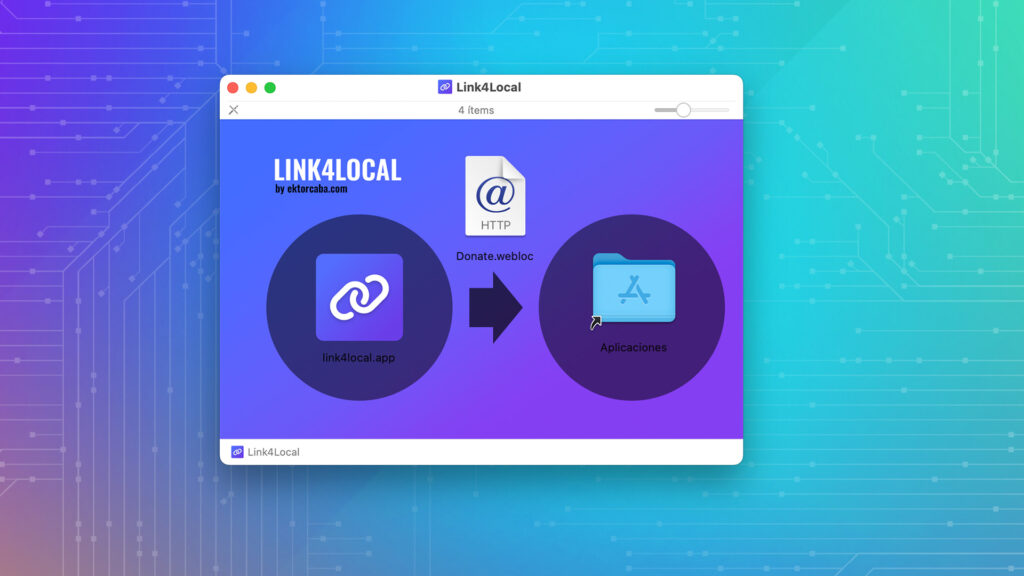
  • Link4Local my application to link local files in Notion
    Magazine, Tutorials

    Link4Local my application to link local files in Notion

    ektorcaba

    –

    2 years ago

    Connect your hard drive’s files and folders to Notion without uploading them to the…

    # productivity
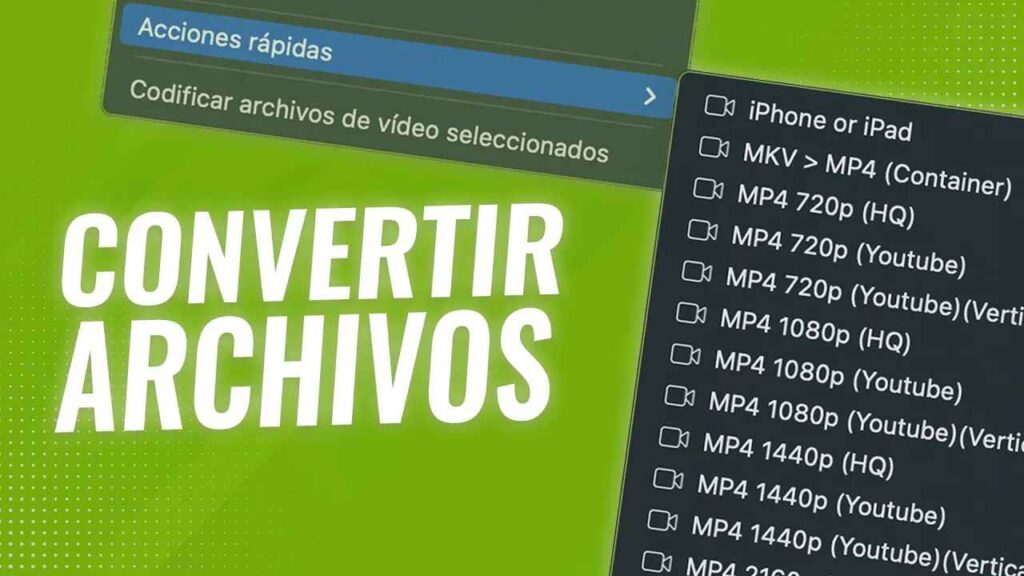
  • Quick Actions to CONVERT VIDEO on MAC
    Tutorials

    Quick Actions to CONVERT VIDEO on MAC

    ektorcaba

    –

    2 years ago

    Convert your videos with FFmpeg from the macOS context menu without touching the terminal.

    # macos
←Previous Page
1 2 3
  • YouTube
  • TikTok
  • Threads
  • Instagram

An independent blog on technology and digital minimalism

  • Legal